
Sales Leaderboard for Teams That Want to Stay Ahead
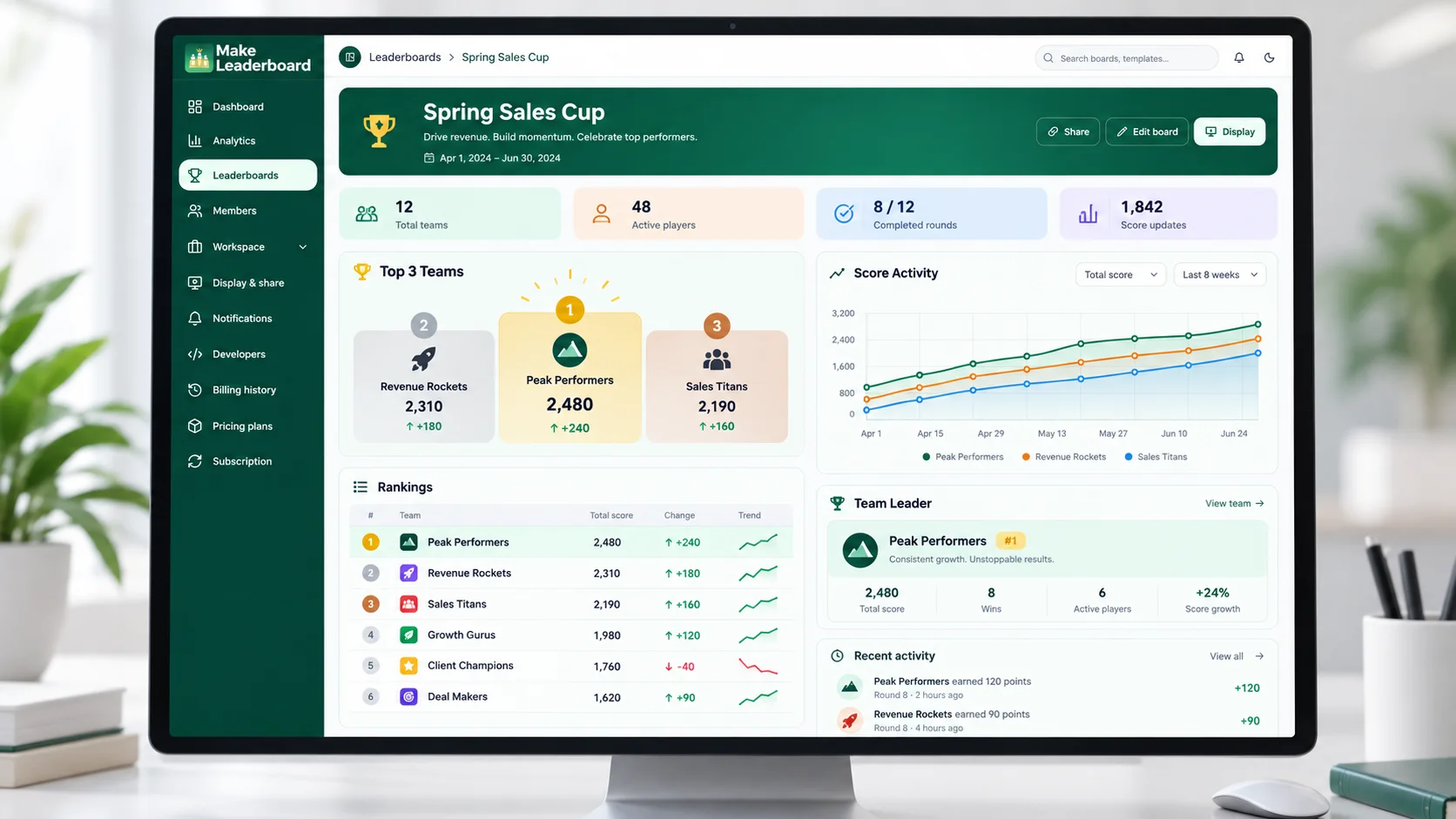
Create a sales leaderboard to organize team challenges, track performance scores, and keep rankings easy to follow. Bring your sales reps, competition results, and leaderboard updates together in one workspace with Make Leaderboard.
Organize sales challenges Track scores Share rankings
Make Sales Performance Easier to Follow
When sales results are spread across spreadsheets, messages, and disconnected updates, it's harder to see how a team challenge is progressing. A sales leaderboard gives your team a clearer way to follow scores, compare standings, and recognize progress.
A Clearer View of Every Sales Challenge
Whether you're running a weekly sales contest, a monthly sales goal challenge, or a friendly team competition, Make Leaderboard helps you organize participants and their competition scores. Keep the standings in a dedicated leaderboard instead of rebuilding ranking tables whenever results change.
Sales Competitions Shouldn't Depend on Messy Spreadsheets
Tracking a sales challenge across multiple documents can make even a simple contest difficult to manage. Make Leaderboard offers a more organized way to record scores and present the standings.
Scattered Performance Updates
Sales activity and competition scores may be recorded in different spreadsheets, notes, or messages.
Organize the competition in one leaderboard workspace so relevant scores and rankings are easier to review.
Unclear Team Standings
When rankings aren't easy to find, representatives may not know how the competition is progressing.
Give the team a structured ranking board that presents participant standings in one view.
Repetitive Scorekeeping
Rebuilding ranking tables and circulating updated documents can take time away from managing the sales team.
Use dedicated leaderboard management tools instead of recreating the scoreboard for every update.
Difficult Results Sharing
Sharing competition progress across several channels can leave people looking at different versions of the results.
Explore the leaderboard display and sharing options to present results more consistently.
One Sales Leaderboard, Different Team Challenges
Sales teams can organize competitions around different activities and objectives. Choose a scoring approach that fits your team, then create a leaderboard to help participants follow the results.
Deals Closed Leaderboard
Organize a competition based on the number of deals closed. Record the agreed competition scores and show how participants rank against each other.
Best for: Sales reps and account executivesMeetings Booked Leaderboard
Create a team challenge around qualified meetings or booked appointments. Keep the competition scores together and make progress easier to review.
Best for: SDR and BDR teamsSales Calls Challenge
Run an activity-based sales challenge using an agreed calling target or point system, with scores maintained through the leaderboard.
Best for: Inside sales and outbound teamsMonthly Sales Contest
Create a dedicated board for a monthly competition, organize participants, and maintain rankings throughout the challenge.
Best for: Sales managers and team leadsTeam vs. Team Competition
Organize a friendly competition between teams or departments using the participant and scoring structure supported by your board.
Best for: Multi-team sales organizationsSales Achievement Challenge
Encourage progress toward a defined sales activity or achievement target by awarding competition scores according to rules established by your team.
Best for: Team motivation and recognition programsHow to Create a Sales Leaderboard
Set up a sales challenge in a few clear steps. Start with a competition objective, organize your team, and maintain the standings using Make Leaderboard.
Define Your Sales Challenge
Choose what your team will compete on, such as deals closed, meetings booked, or another agreed performance activity. Establish a fair scoring method and the dates of the competition before you begin.
Create Your Leaderboard
Open Make Leaderboard and create a new board using the available setup options. Give the board a clear name that reflects your sales challenge.
Open BoardsOrganize Sales Participants
Add the representatives or teams taking part, using the participant-management options supported by the selected board. Check that each participant is correctly identified before recording scores.
Record Scores and Review Rankings
Maintain the agreed competition scores as results come in. Use the leaderboard to review the current standings and check that the entered information is accurate.
Share Progress With Your Team
Explore the display and sharing options available in Make Leaderboard. Use the appropriate presentation method to keep participants informed about the challenge.
Useful Tools for Managing Sales Leaderboards
Make Leaderboard brings scorekeeping, board management, and competition presentation into one platform. Explore the tools that can support your sales team challenges.
Keep Every Sales Competition Organized
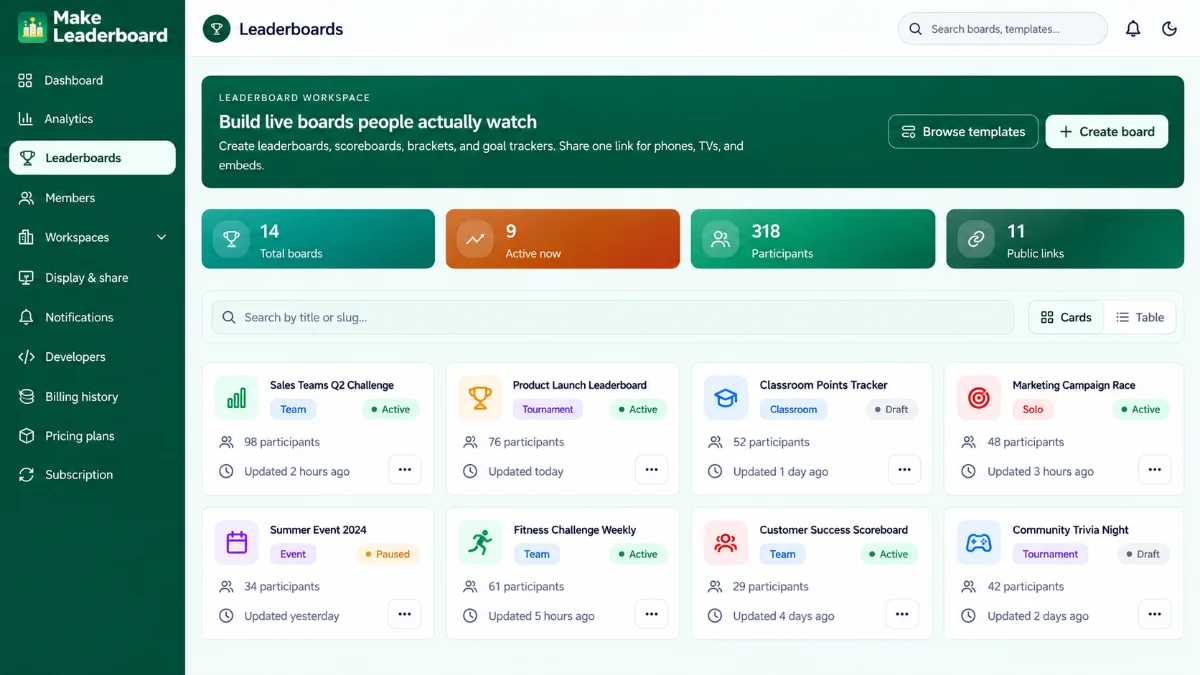
Build a leaderboard for your sales challenge and return to it through a dedicated management workspace. Maintain a clear view of the competition rather than relying on scattered ranking files.
- Dedicated leaderboard management.
- Organized participant and score records.
- Central place to revisit current boards.
- Board creation options and available templates.
Give Your Team a Clear View of the Standings
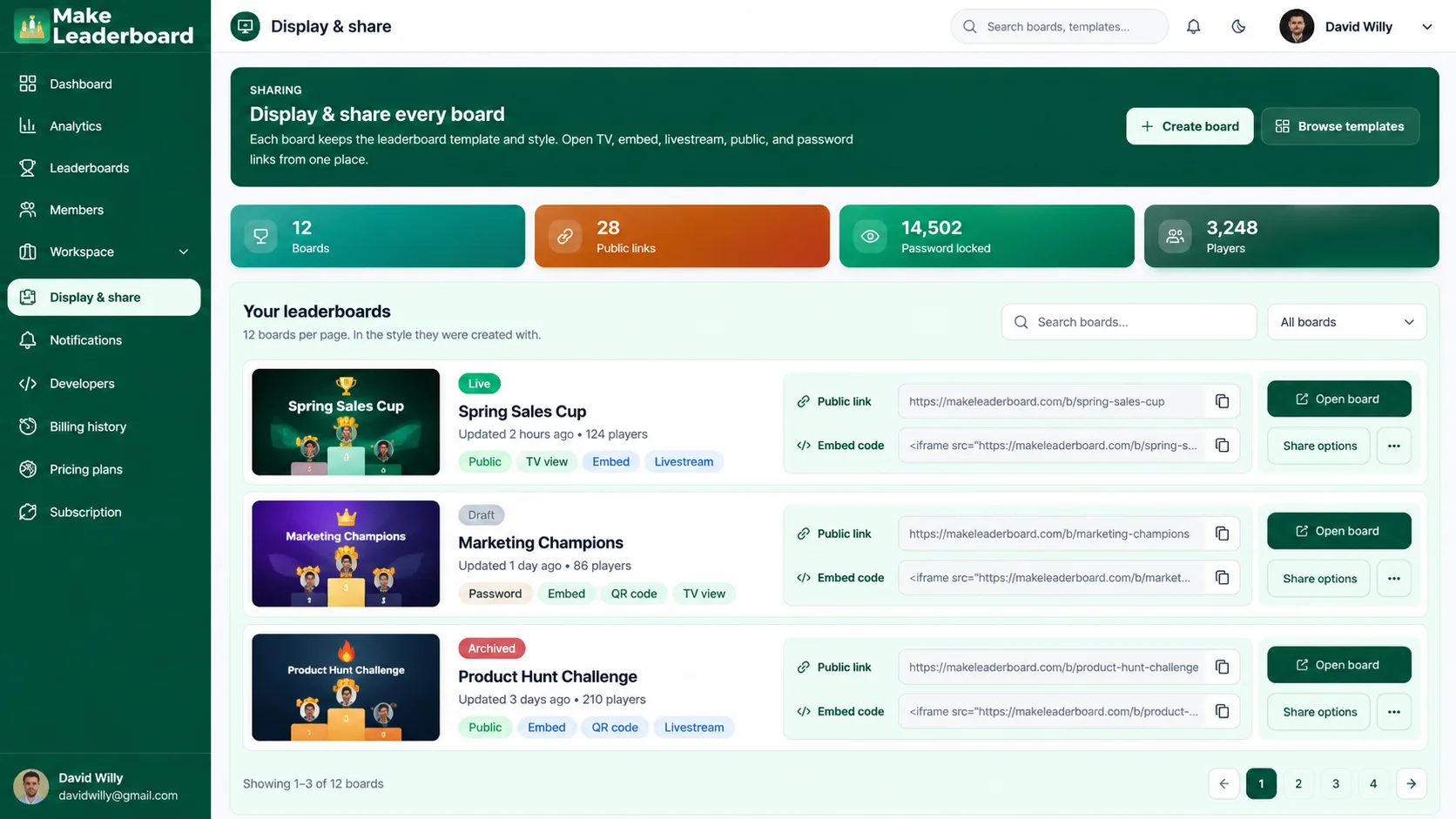
A leaderboard is easier to use when participants can see the competition results in an organized format. Make Leaderboard includes a Display & Share area for reviewing available presentation and sharing options.
- Dedicated leaderboard presentation tools.
- Available public-link management.
- Options for sharing board results.
- Display settings subject to account capabilities.
Keep Track of How the Challenge Is Progressing
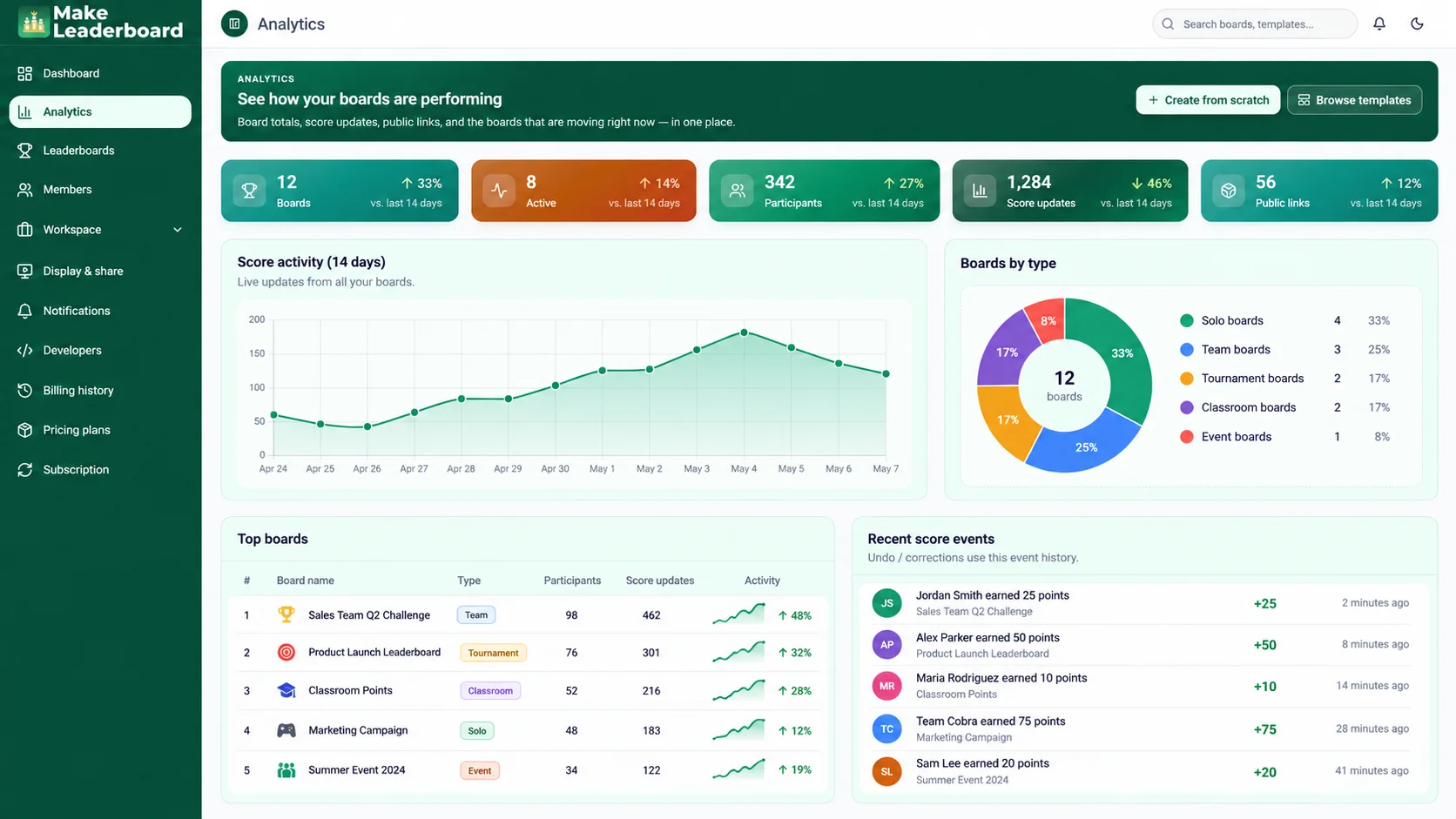
Review the leaderboard and score-related information available through the dashboard and analytics areas. Use this information to understand the activity recorded in your competitions.
- Workspace dashboard.
- Score-related activity.
- Leaderboard statistics where available.
- Dedicated analytics interface.
Present Your Sales Challenge With a Consistent Look
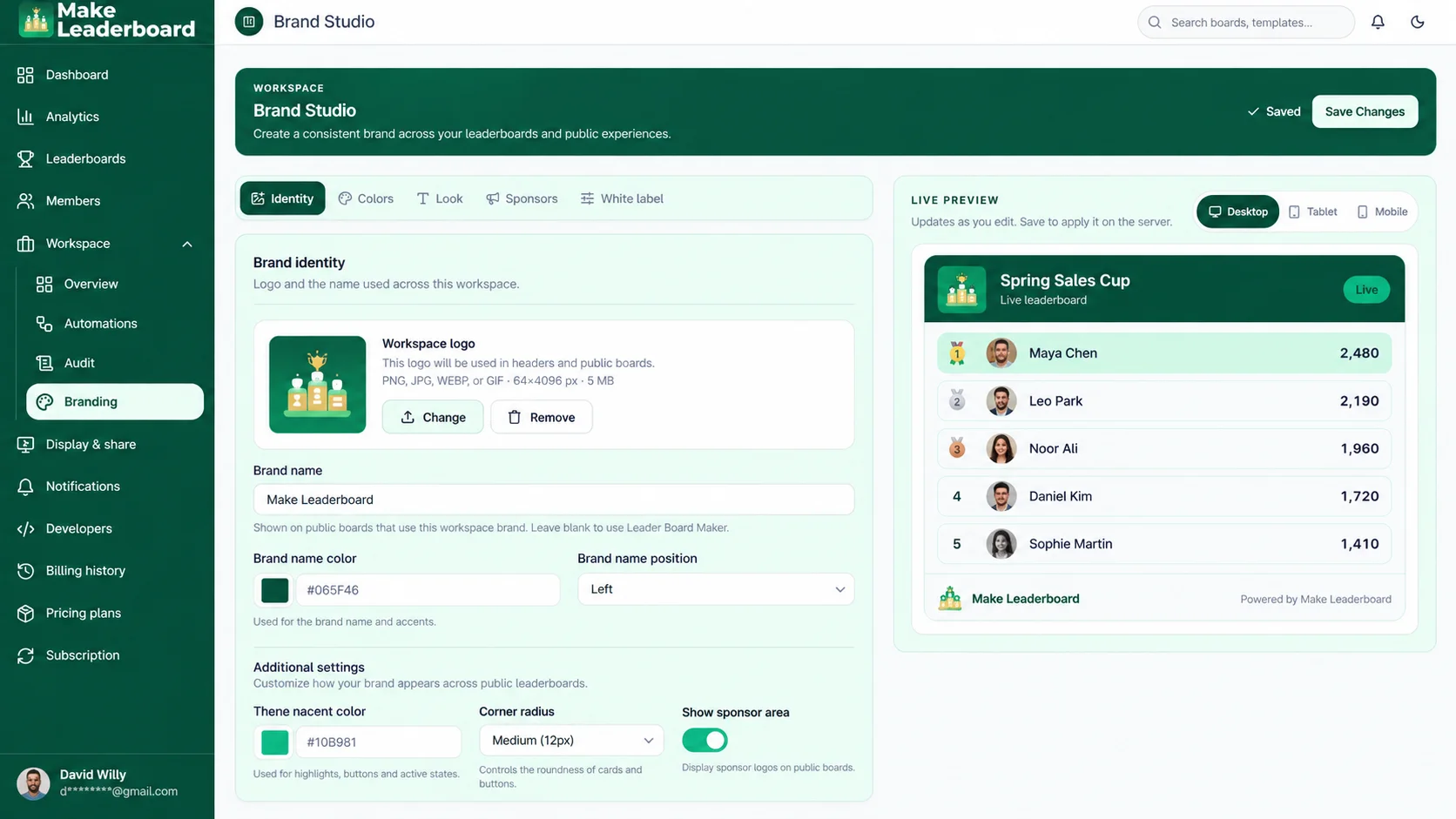
Create a more recognizable competition experience by exploring Make Leaderboard's available branding and visual customization options. The tools available may vary by account plan.
- Branding management area.
- Supported appearance options.
- Presentation customization where enabled.
- Account-specific feature availability.
What Should You Track on a Sales Leaderboard?
The right scoring method depends on your sales process and competition goals. Choose a metric your team understands, can verify, and can influence.
| Competition Focus | Example Measurement | Suitable Team |
|---|---|---|
| Deals Closed | Number of completed deals | Account executives |
| Meetings Booked | Qualified meetings scheduled | SDR / BDR |
| Demos Completed | Completed product demonstrations | Sales representatives |
| Sales Activity | Verified outreach activities | Inside sales |
| Goal Achievement | Progress against a defined contest target | Sales teams |
| Team Challenge | Agreed team-based competition points | Departments |
A Dedicated Sales Leaderboard vs. a Spreadsheet
Spreadsheets can record results, but they often require more manual layout and sharing work when used as a competition scoreboard. A dedicated leaderboard gives that activity its own organized space.
| Activity | Spreadsheet | Make Leaderboard |
|---|---|---|
| Recording competition scores | Manual cell entry | Dedicated score-management tools |
| Presenting rankings | Requires spreadsheet setup | Leaderboard-focused ranking views |
| Organizing participants | Custom sheet layout | Participant-oriented board tools |
| Managing multiple challenges | Separate sheets or files | Dedicated board management area |
| Sharing the standings | File or sheet sharing | Available display and sharing tools |
| Reviewing competition activity | Custom formulas or reports | Dashboard and available analytics tools |
Sales Leaderboards for Different Teams
Whether you're organizing an individual sales contest or a wider team challenge, Make Leaderboard gives you a place to maintain scores and rankings.
Sales Managers
Organize competition participants, maintain scores, and share standings through a dedicated leaderboard experience. A clearer scoreboard can help managers communicate the state of a competition without rebuilding ranking tables.
Sales Representatives
When a leaderboard is shared with participants, sales reps can review their current position and understand how the contest is developing. Clear scoring rules help make the standings more meaningful.
Business Owners and Team Leaders
Bring a company or department challenge into one organized board. Set straightforward rules, maintain results, and give participants a consistent place to view rankings.
Frequently Asked Questions About Sales Leaderboards
Find answers to common questions about creating and managing a sales leaderboard with Make Leaderboard.
Explore More FAQsA sales leaderboard is a ranking board used to compare sales representatives or teams based on agreed performance measures, such as completed deals, booked meetings, or competition points. It helps participants follow standings during a sales challenge.
Start by selecting a sales competition metric and establishing scoring rules. Open Make Leaderboard, create a board, organize the participants, and use the available score-management tools to maintain rankings.
Yes. Make Leaderboard supports ranking-based activities, including business and team competitions. You can use an appropriate leaderboard setup to organize a sales challenge and maintain participant scores.
A useful sales leaderboard typically includes participant names, ranking positions, competition scores, and a clear scoring objective. Make sure everyone understands which activities count and how results are verified.
You can use the number of closed deals as the scoring basis for a sales challenge, provided your selected board supports the scoring configuration you need. Deal records should be verified using your existing sales reporting process.
Make Leaderboard's publicly described features do not establish a confirmed native Salesforce or HubSpot integration. Check the current developer and integration options before planning an automated sales-data workflow.
Make Leaderboard includes display and sharing functionality. You can review available sharing methods and settings in the application and choose an approach appropriate for your team and its information.
The application includes a Branding section for supported visual customization. The settings available to you may depend on your account plan and board configuration.
Make Leaderboard includes a dedicated board-management area. You can organize multiple boards subject to the limits and features included in your current plan.
Use clearly defined scoring rules, verify results consistently, and explain how ties or disputed scores are handled. Consider differences in territories, roles, and opportunity volume when choosing measures for a team competition.
Ready to Build a Sales Leaderboard for Your Team?
Turn your next sales challenge into a clear, organized competition. Create a leaderboard, manage participant scores, and share rankings with Make Leaderboard.
Create a board. Set the challenge. Follow the rankings.